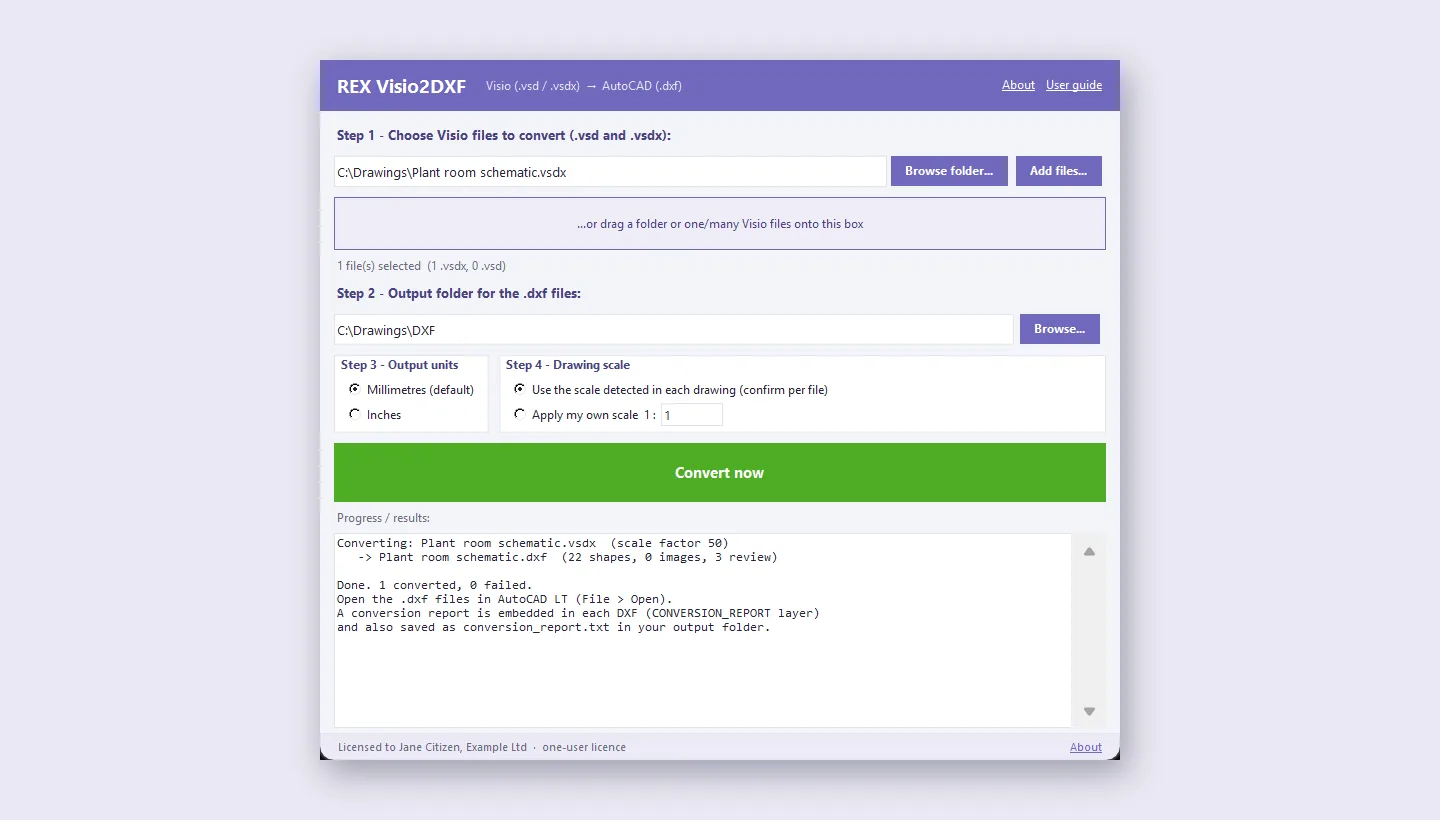
Pay once · no subscription · your files stay local · one named user

REX Visio2DXF

Converts Microsoft Visio drawings (.vsdx and legacy .vsd) into real, editable AutoCAD DXF geometry, not a flattened picture. Runs on your own computer; your drawings are never uploaded to a conversion website.

Buy now See what's included Read the manual (PDF)
REX Visio2DXF after converting a drawing

Why REX Visio2DXF

No subscription, no per-file fee

Online converters charge per file or per month and give you a picture. Visio2DXF is US$39, paid once, and converts as many drawings as you like.

Drawings stay on your computer

Schematics and site drawings are often confidential. Nothing is uploaded; the conversion runs offline on your own machine.

Built by engineers who needed it

Energy Conscious Design built it to move its own Visio schematics into CAD, with a conversion report that says exactly what needs a manual look.

What's included

Real CAD geometry

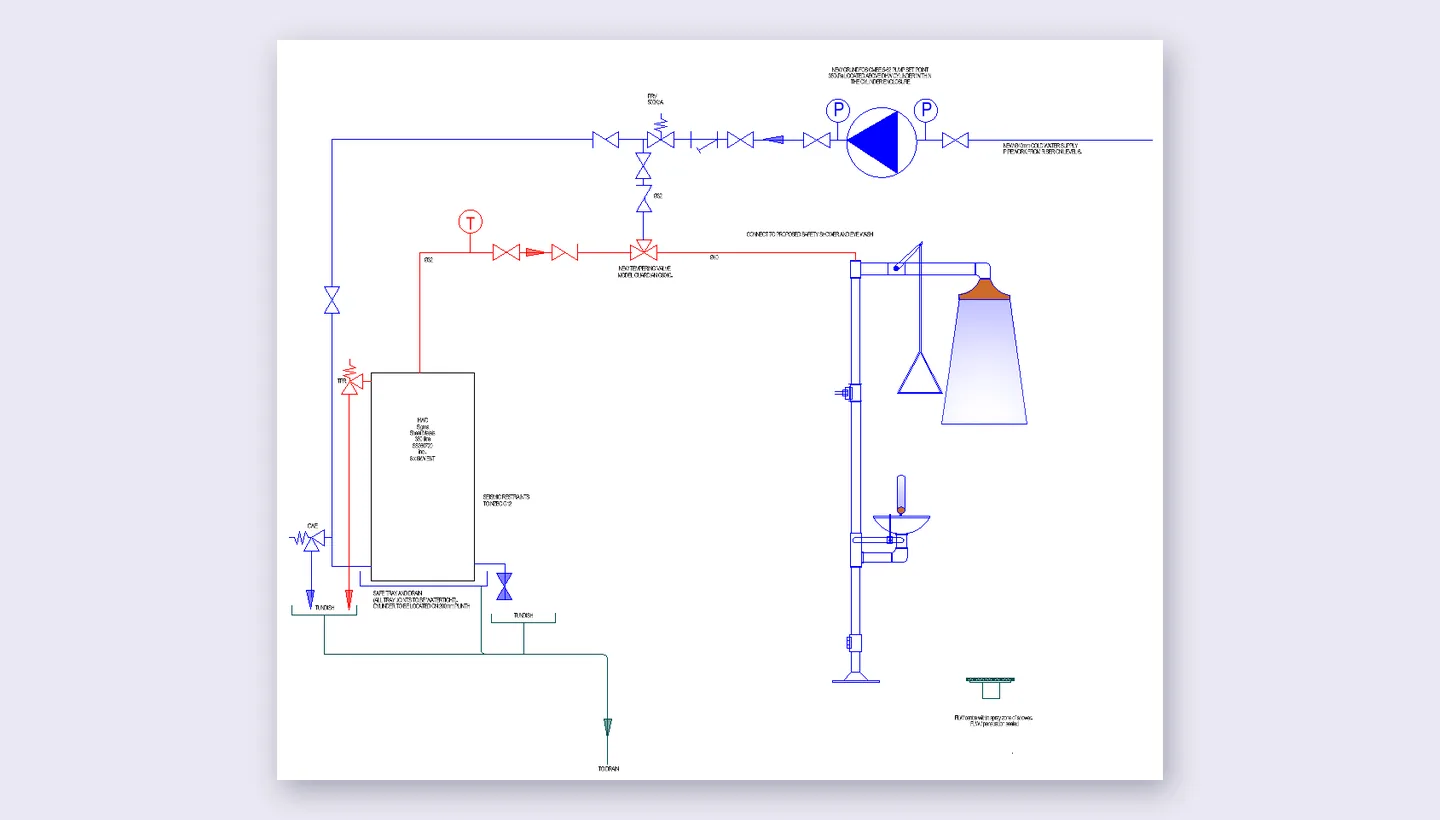
Actual lines, arcs, circles, text and images, not a raster picture pasted into a DXF.

.vsdx and legacy .vsd

Both modern and old binary Visio formats are supported, out of the box.

Batch conversion

Drag a whole folder, or select many files at once, and convert them all in one go.

Drawing scale detection

Reads the scale Visio recorded for the page and offers to apply it automatically, in millimetres or inches.

Layers preserved

Visio layers carry through as DXF layers, with line colours and weights maintained where possible.

Conversion report

Every DXF gets an embedded report layer, and a text file, showing exactly what converted cleanly and what needs a manual look.

Windows and Mac

Runs on Windows 10/11 and on Apple-silicon Macs. Modern .vsdx files convert with nothing else installed.

Opens in your CAD program

The output is DXF, which AutoCAD LT and other CAD programs open directly; Save As DWG there if you need DWG.
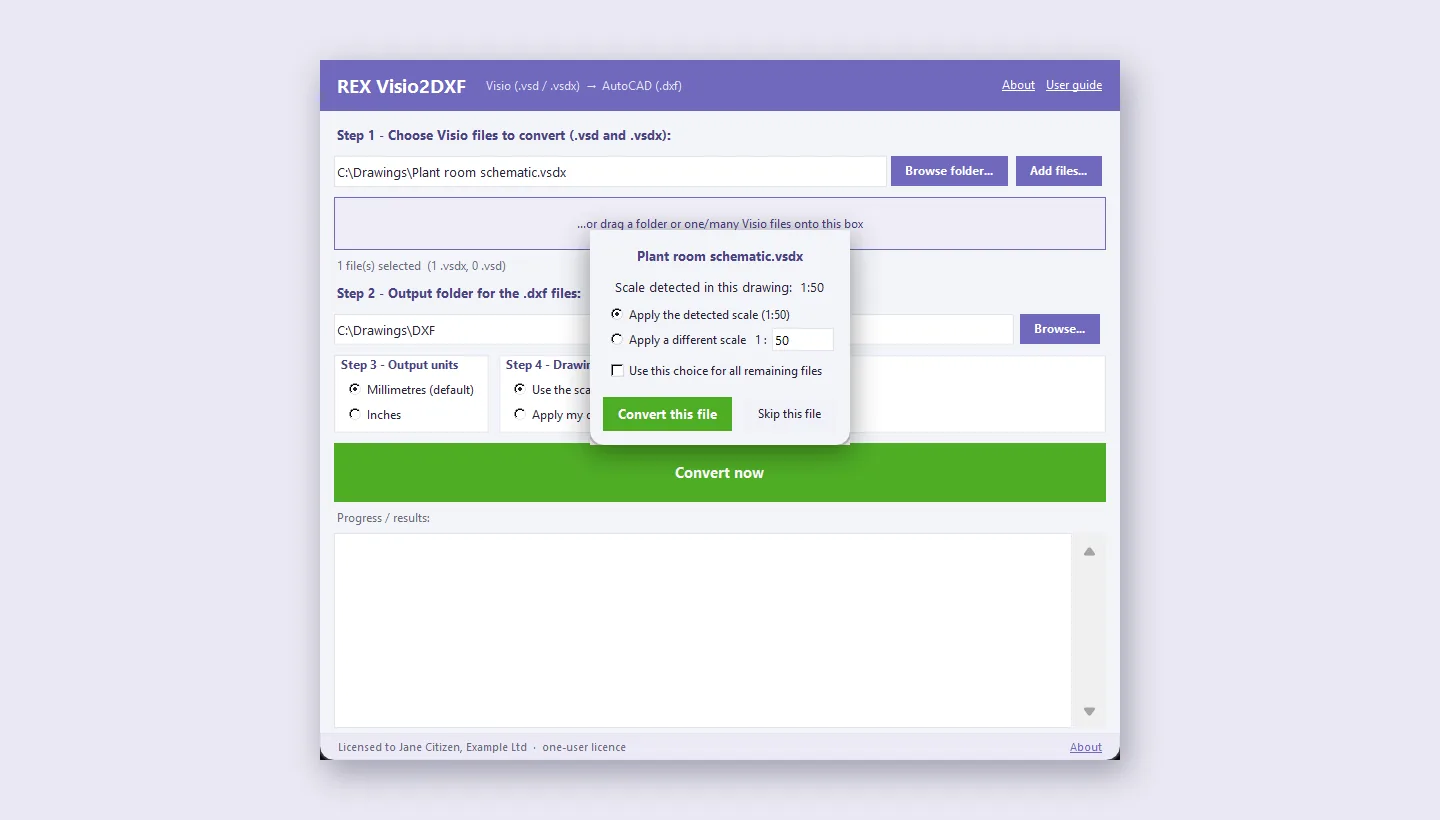
REX Visio2DXF asking you to confirm the drawing scale
It reads the scale recorded in each drawing and asks you to confirm it.
The converted drawing as real CAD lines, circles and text
The result: real lines, circles and text that open and edit in AutoCAD.
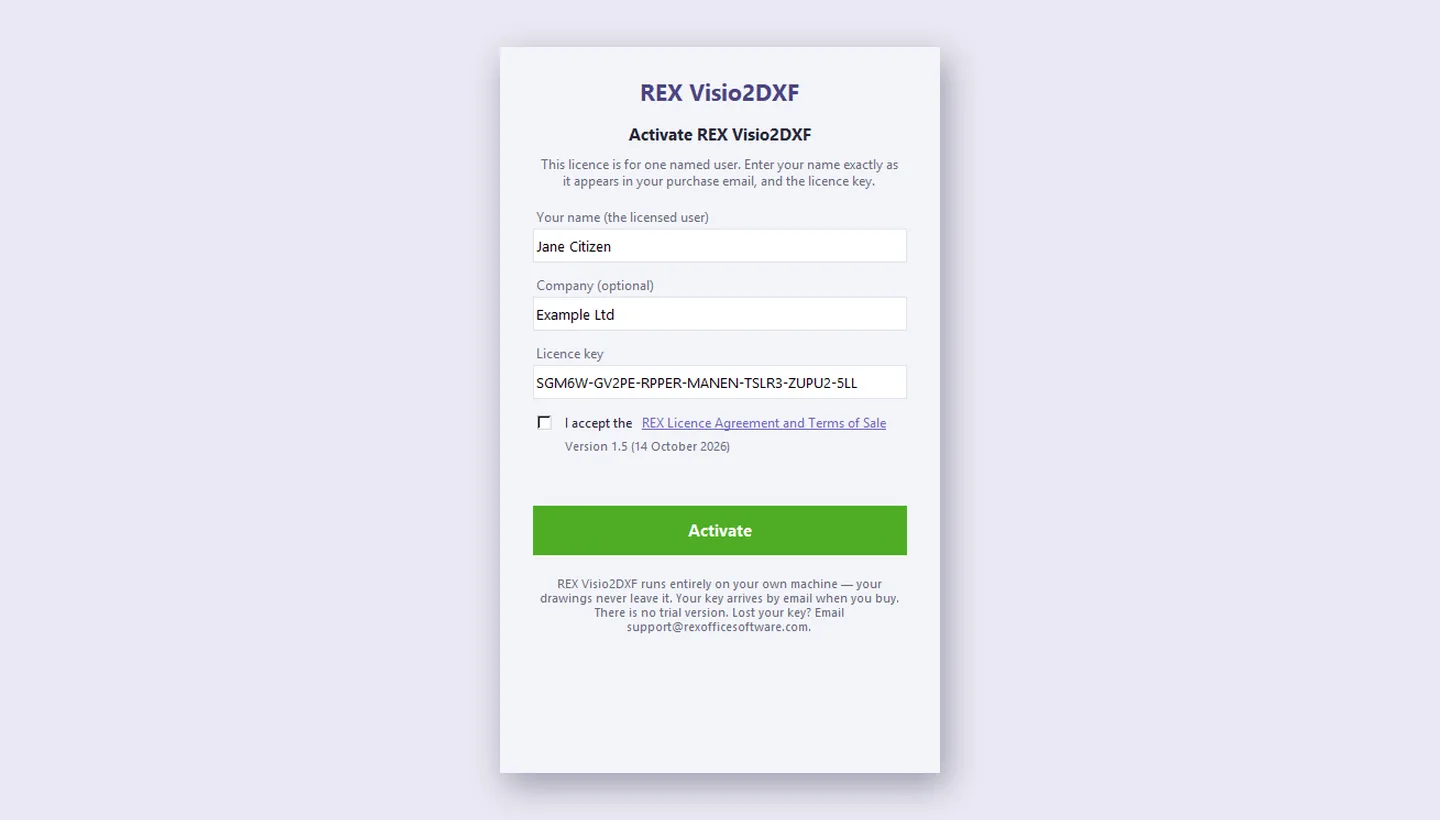
REX Visio2DXF activation window
Licensed to one named user: you enter your name, an optional company and the key.

Pricing

Your licence key is emailed to you at once when you pay. Install the program, enter your name exactly as it appears in the email (and your company if you want it shown), paste the key, tick the licence agreement and click Activate. The key is made for the person named on it and never expires; the program then shows "Licensed to" your name at the bottom of its window and on its About page. It is a one-user licence: each person who uses the program needs their own. There is no free trial for this product: read the manual first, and the 14-day refund policy in the Licence agreement covers a product that does not do what this page says. Runs on Windows 10/11 (64-bit) and macOS 11+ (Apple silicon); see Downloads. Modern .vsdx files convert with nothing else installed; legacy .vsd files use the free LibreOffice engine, which the Windows installer sets up for you. Output is DXF: open it in AutoCAD LT and Save As DWG if you need DWG. Licence agreement · Website terms · Refunds · FAQ.